Complete records, from medical history to every tooth.
Every patient has one living record: demographics, medical alerts, the full dental chart, treatment plans, X-rays, documents, prescriptions and a timeline of every visit and payment.
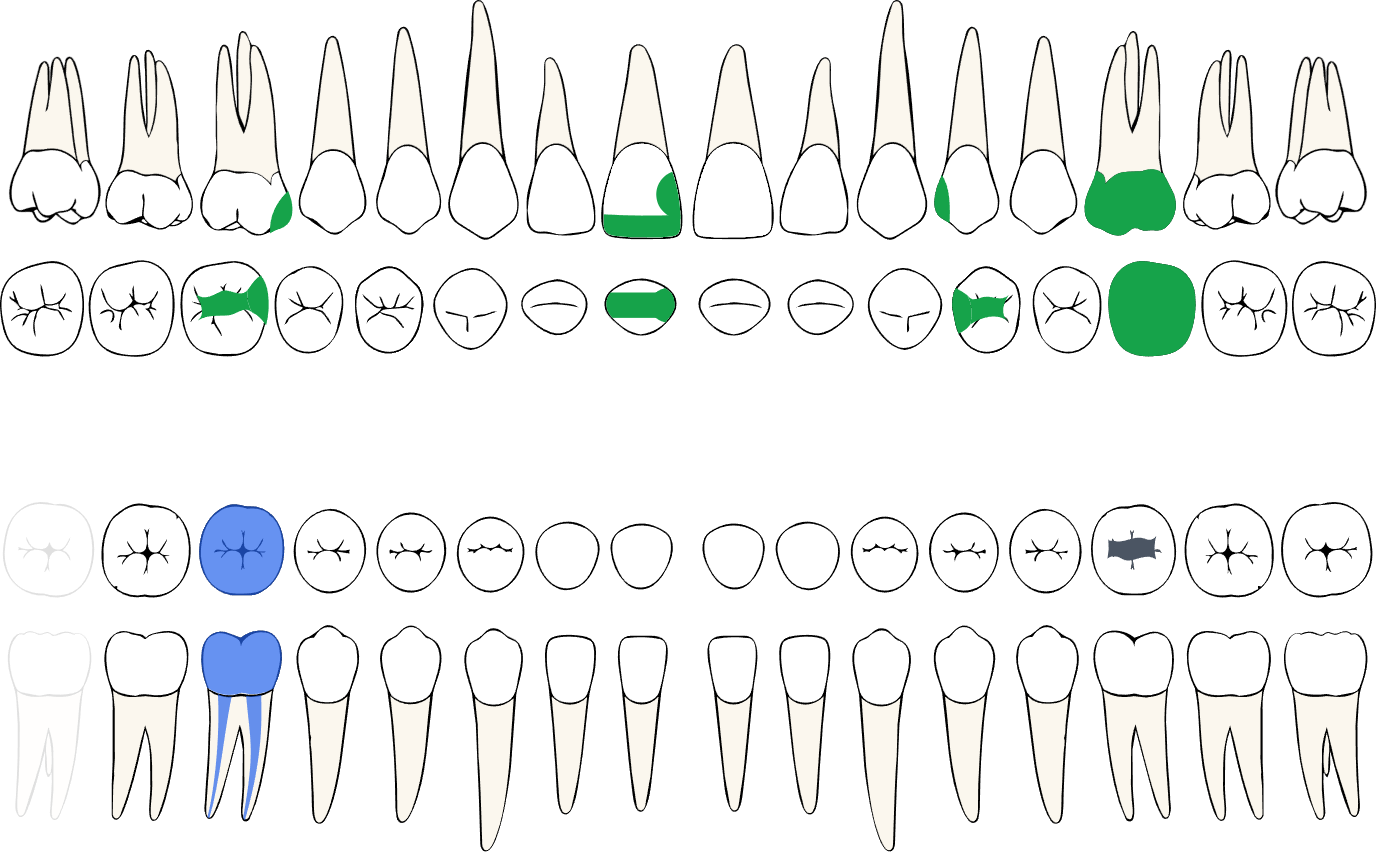
- FDI chart with every tooth surface
- Medical alerts on every screen
- X-rays and documents on the timeline
Zainab Kareem
34 years · File 00482
Penicillin allergy
Patients
What you can do
Interactive dental chart
Record caries, fillings, crowns, bridges, implants, root canals and fractures per surface. Planned and completed work are painted differently.
Medical history that travels
Allergies, conditions and medications show as alerts wherever the patient appears, including on the calendar.
Treatment plans
Build phased plans with prices, get approval, then turn planned work into completed treatments and invoice lines.
Imaging and documents
Upload X-rays, photos and signed consent forms. Rotate, compare and keep them attached to the right visit.
Prescriptions
Print branded prescriptions from your medication library in Arabic or English.
Fast search
Find any patient by name, phone or file number from anywhere, even with Arabic spelling variations.
Patients
How it works
Three steps your team repeats every day, without switching systems.
Register once
Add demographics, medical history and allergies at the first visit, or let the patient fill them in on Patient Station.
Chart and plan
Record findings per tooth and surface, then build a phased treatment plan with prices.
Treat and follow up
Completed work moves to the timeline and the invoice, with X-rays and notes attached.
Patients
Works with
Nothing is typed twice. This module shares its data with the rest of the clinic.
See it with your own data
Book a 20-minute walkthrough with our team, or create your clinic and start right away.