Platforms
Every screen in the clinic, covered.
Choose the right device for each role. They all share one hosted database with real-time updates.
Web
The full clinic in any modern browser. Nothing to install.
Best for Owners, doctors and reception
- Full clinic management
- Works on Windows, macOS and tablets
- Automatic updates
Windows
A native desktop app for the front desk and treatment rooms.
Best for Reception desks and treatment rooms
- Native Windows app
- Built for reception and treatment rooms
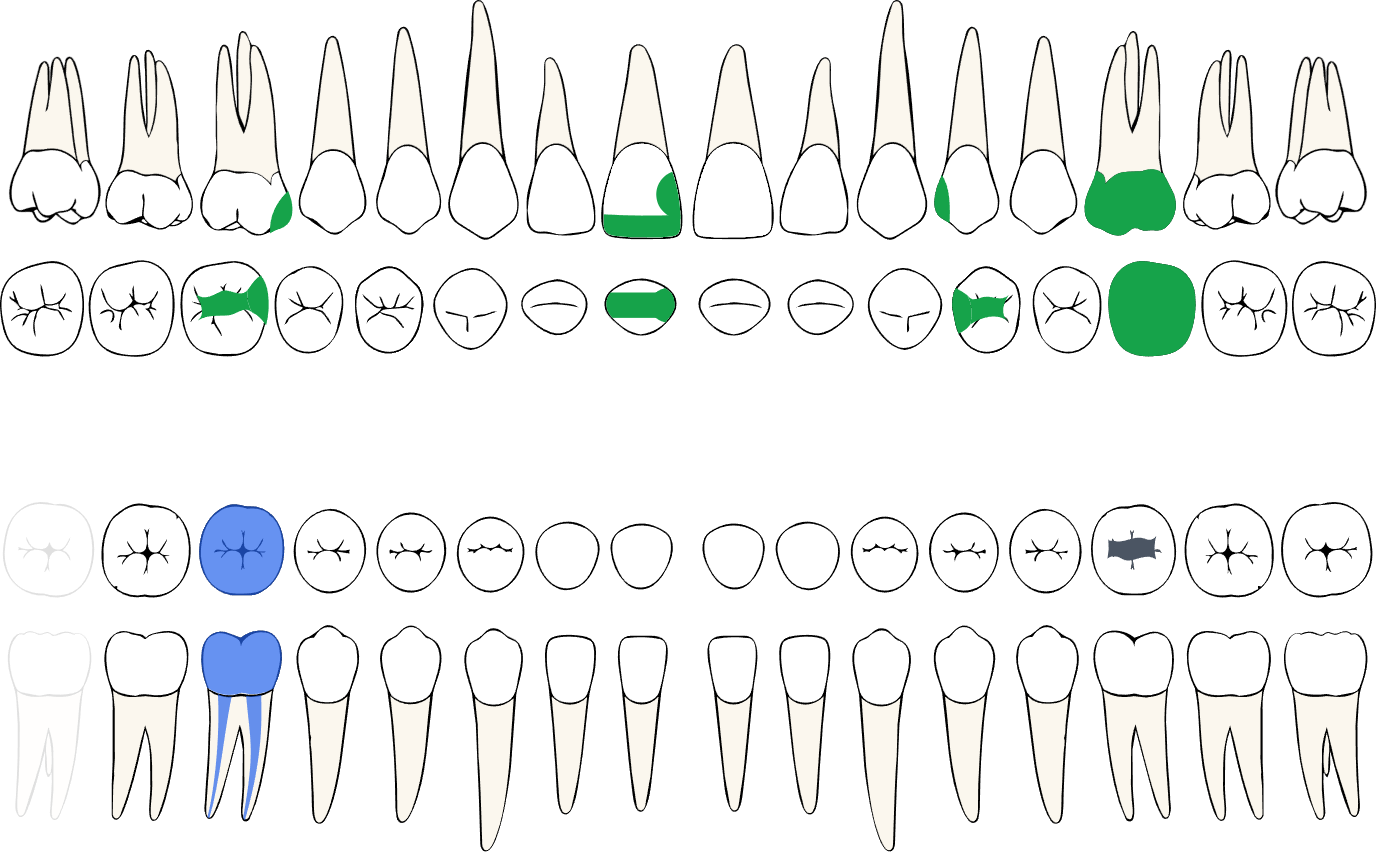
- Shared dental chart engine
Mobile
Schedule, patients and attendance check-in from your phone.
Best for Doctors and owners on the move
- Schedule and patient lookup
- Geofenced attendance check-in
- Notifications
Patient Station
A reception tablet where patients check in and update their details.
Best for Patients arriving at reception
- Self check-in at reception
- Patients update their own details
- Works on any tablet
Real-time, everywhere
Check a patient in on the tablet and the doctor's desktop updates. Record a payment on the web and the owner sees it on mobile.
What you need
Runs on the devices you already have.
Web
A recent version of Chrome, Edge, Safari or Firefox.
Windows
A PC running Windows 10 or Windows 11.
Mobile
An iPhone or an Android phone.
Patient Station
A tablet placed at reception.
All you need is a stable internet connection. There are no servers to install or maintain at the clinic.
Ready to run a calmer clinic?
Book a 20-minute walkthrough with our team, or create your clinic and start right away.